
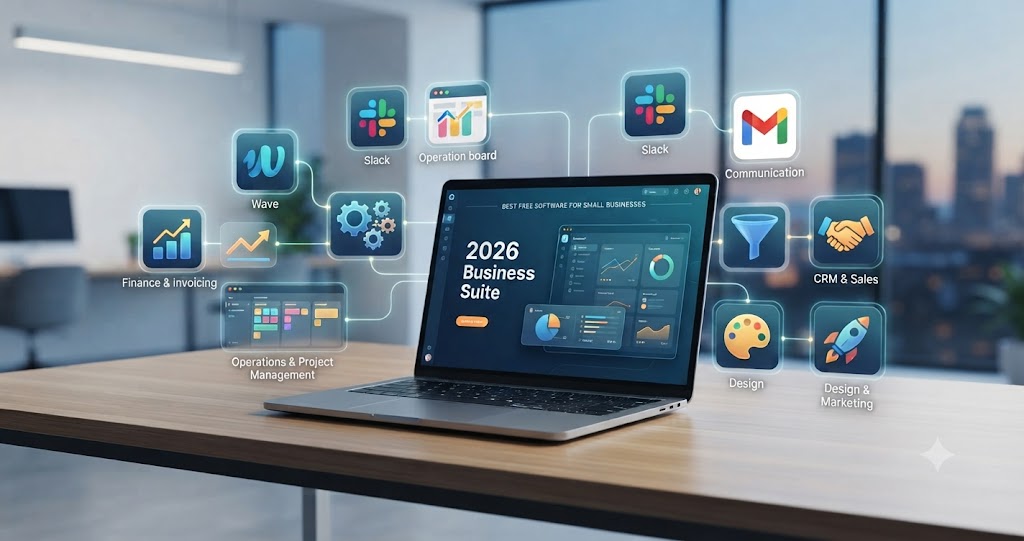
If you are running a small business, you don’t need to drain your operating budget on expensive subscriptions to stay competitive. In 2026, the “best” software isn’t the one with the most features—it’s the one that eliminates manual busywork, integrates seamlessly with your existing workflow, and scales without hidden costs. Whether you are a solo founder or managing a lean team, this guide cuts through the noise to identify the free tools that actually move the needle.
The Core 2026 Small Business Tech Stack
- Finance & Invoicing: Use Wave Accounting for lean invoicing or Accountune if you are operating within the Indian GST ecosystem.
- Operations & Project Management: Deploy Notion as your “operating system” and Trello for visual task tracking.
- Communication: Leverage the Slack free tier for team transparency and Google Workspace (free/trial) for identity and collaboration.
- CRM & Sales: Use HubSpot CRM to manage your pipeline without a monthly seat fee.
- Design & Marketing: Canva remains the gold standard for visual assets; use MailerLite for high-ROI email automation.
Why “Free” Isn’t Always Free (And How to Choose)
The most common mistake small business owners make is ignoring the “hidden cost” of software: time. If a free tool requires you to manually copy-paste data between apps, it is costing you more than a paid subscription.
Managing Operations: The “Single Source of Truth”
Your biggest bottleneck isn’t usually a lack of features; it’s a lack of organization. By 2026, the trend has shifted toward modular, all-in-one workspaces.
Table 1: Comparing Project Management Powerhouses
| Tool | Best For | Learning Curve | Key Advantage |
| Notion | Documentation & Wikis | Moderate | Highly customizable “building block” system. |
| Trello | Visual Task Tracking | Minimal | Best-in-class Kanban boards for simple workflows. |
| ClickUp | Complex Operations | Steep | Native docs, time tracking, and whiteboards included. |
In practice: If you are a solo founder or a team of under five, Notion is your best bet. Use it to build a “Company Wiki.” A common bottleneck is the “New Hire Onboarding” phase; if you document your SOPs (Standard Operating Procedures) in Notion early, you turn a three-day training process into a 15-minute read.
Financial Survival: Automating the Admin
If you are still managing your cash flow in a spreadsheet you “updated three Fridays ago,” you are playing a dangerous game.
The Accounting Hierarchy for 2026
- For Service Businesses (Global): Wave Accounting is the gold standard for completely free, essential bookkeeping.
- For Indian Retail/Product Businesses: Accountune or Vyapar (free tier) are essential because they are built for local GST compliance.
- The “Safety Net”: If you aren’t ready for a full accounting suite, use Google Sheets for basic cash-in/cash-out, but keep a “Financial Hygiene” habit: update it every Friday morning.
Marketing & CRM: Turning Leads into Revenue
Marketing in 2026 is no longer about high-volume posting; it’s about high-intent engagement.
- CRM: HubSpot CRM is almost universally recommended for a reason. It is free, it grows with you, and it tracks the entire journey of a lead from “first email” to “closed sale.”
- Email Marketing: MailerLite offers a more generous free tier than Mailchimp, allowing you to build automated welcome sequences—crucial for nurturing potential clients while you sleep.
- Design: Canva is now essentially an AI-powered design studio. For social media posts, pitch decks, and even basic brochures, the free templates are indistinguishable from paid freelance work.
Troubleshooting: Common Pitfalls
When deploying this stack, expect friction in these three areas:
- Duplicate Data: If your CRM (HubSpot) and your Accounting (Wave) don’t talk to each other, you’ll end up with mismatched records. Solution: Use a central customer spreadsheet as your master database.
- Feature Creep: Don’t turn on every “Power-Up” or automation in Trello or Notion on day one. Start with a basic Kanban board and only add complexity when you feel a specific, recurring pain point.
- The “Mobile Gap”: Always check if the tool has a functional mobile app. If you are on the move, you need to be able to approve an invoice or check a task status from your phone.
FAQ: Frequently Asked Questions
Q: Do I really need an all-in-one ERP?
A: Not in the beginning. Stick to the “best-of-breed” free tools for each category (Accounting, CRM, Tasks) until your manual processes become too slow.
Q: What is the risk of using “free” software?
A: Data privacy and support. Free tools often have limited customer support. Always back up your critical business data (invoices, client lists) to a secondary location like Google Drive or a local hard drive.
Q: Which tool should I prioritize first?
A: Start with Accounting (to know your numbers) and Project Management (to know your priorities). Everything else is secondary to those two pillars.
Q: Are these tools still free in 2026?
A: Yes. All mentioned tools maintain “freemium” models that are viable for small businesses. Always verify the current tier on their official websites, as features occasionally shift behind a paywall.